
What if your collaboration tools morphed themselves to your specific needs?
Thanks to software like Google Docs, Notion, Figma and Linear, working with your teammates these days is realtime, collaborative, and high-fidelity, whether you’re in a room together or thousands of miles apart.
But most of these tools are built to support many use cases—make ANY kind of drawing, create ANY kind of document, define ANY kind of data schema—which is fantastic, until you find yourself bending and breaking the tool to support your specific need. Teams end up creating workflows that span multiple tools (often with multiple login systems), bending each one to fit the specific workflow along the way.
Think about it—how many times have you used a Notion Doc, a Google Sheet or a FigJam for things like managing rotations, making decisions, exploring architecture choices, etc. And how many times have you felt like “wow, [Product] was not designed for this, but hey at least it’s realtime!”
Meanwhile, coding models like Gemini, Claude and Codex are getting exceptionally good at one-shotting entire apps. We’re very much in a world where creating software is getting very, very cheap and many classes of single-purpose software are essentially commoditized. There’s a glaring opportunity to fill the gaps that existing SaaS tools don’t neatly cover.
Many classes of single-purpose software are essentially commoditized
The challenge is, building realtime collaborative software is still hard, and not [yet] cheap. Those SaaS products above are exceptionally popular not just because they give you a flexible canvas upon which to work, but they’ve solved the hard “infrastructure” problems of realtime collaboration, access management, data security, privacy, etc.
Flipping the script
So, what if we had a truly general-purpose software platform, but where realtime multiplayer and sharing infrastructure was a built-in primitive? In a sense, flipping the script:
| From | To |
|---|---|
|
|
So you’d first create the space for your team, and then fill it with whatever tools you need in the moment to get your work done.
@Q, an experiment
We built a simple prototype inspired by the always-helpful Q, from the James Bond franchise. In the movies, Q is a master of technology, creating all sorts of gadgets and devices to help James Bond in his missions.
What if your team had its own Q? One you could summon to build you a piece of collaborative tech the moment you needed it?
Let’s take a simple example. The team’s been working on a new feature and just rolled it out to production; everything looks good! Now it’s time to get the word out, and you need an eye-popping launch graphic to help sell the concept. But you don’t have a ton of great ideas, so you want to crowdsource a winning graphic with the team.
Our prototype enables a conversation like this:
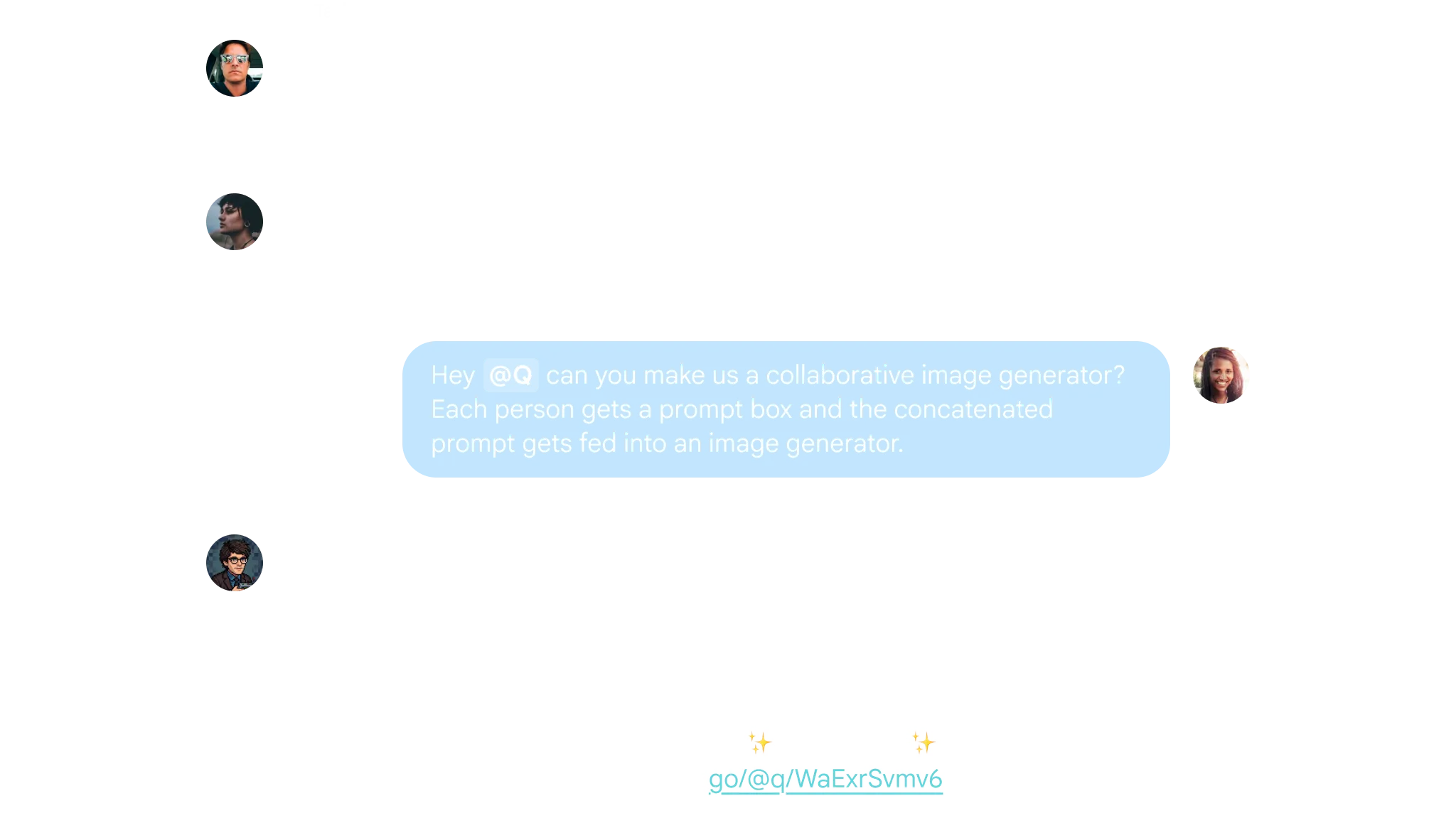
Figure 1. A conversation with Q
Where you get a complete, realtime multiplayer collaborative environment, with multiplayer cursors, and all:
Figure 2. An ephemeral, collaborative image generator. Note: Sped-up video
Boom! Launch graphic: done.
The next time you need something, you just summon @Q again.
OK, so how does it work?
Now, a huge caveat: this is very much a rough prototype, really a concept sketch.
It’s built on a similar stack to product canvas:
- A simplified coding agent for generating these mini apps, along with an in-browser runtime powered by
esbuild-wasm - An IFRAME-based app host that uses message passing to provide custom APIs like synced state, auth awareness, etc.
- Realtime-synced shared app state and multiplayer cursors powered by Firebase Realtime Database.
- A Google Chat app built with Apps Script, as a proof-of-concept for wiring up the system to chat.
Giving apps custom capabilities
One of the most critical pieces of customizing workflows is giving the AI model the ability to create truly collaborative software.
To do this, we leverage the idea that LLMs are great at in-context learning, and can write code against bespoke APIs on the fly, so long as those APIs are thoughtful and simple.
Let’s take collaborative state, for example. LLMs already know React’s useState like the back of their hand. Inspired by Figma’s exceptional Widgets API, we built a simple useSyncedState hook that functions like useState, but with a state key:
const [value, setValue] = useSyncedState("value", 15);As part of the agent’s system prompt, we include the type definition (which includes example usage in the JSDoc):
/**
 * Example:
 * ```ts
 * import { useSyncedState } from '$';
 *
 * function MyComponent() {
 *   const [value, setValue] = useSyncedState("value", 15);
 *   return <>The value is {value}</>;
 * }
 * ```
 */
export type useSyncedState = <T>(
  stateKey: string,
  defaultValue: T,
) => [T, (newValue: T) => void];
We’ve found that Gemini is remarkably good at exercising judgement on when to use it, vs session-specific state (traditional useState).
We also do the same thing for other bespoke APIs, like:
useLoggedInUserfor generated apps to access current user info (models are great at connecting the dots to shared state)generateContentStreamfor using AI models (authentication is managed by the app host, outside the IFRAME)
See the code for the full API.
The exciting thing is, you can choose whatever primitive ingredients are useful for the platform (in this case realtime collaboration, auth, AI, etc), and models have become quite good at creatively mixing those new ingredients with what they already know (React) to bake increasingly rich software.
What’s next
While this is just a rough prototype, we’re excited about the potential of a world where software is default-collaborative, and can be summoned and ready within seconds.
Want to try out the prototype and share your feedback? Check out the repo or reach out to @julesagent, David or Roman for some invite codes for your team to try the hosted prototype.
Note: the live prototype does NOT include the chat integration in the screenshot above, but you can browse the repo for hints on integration with Google Chat.